5 best tools for designing Instagram posts
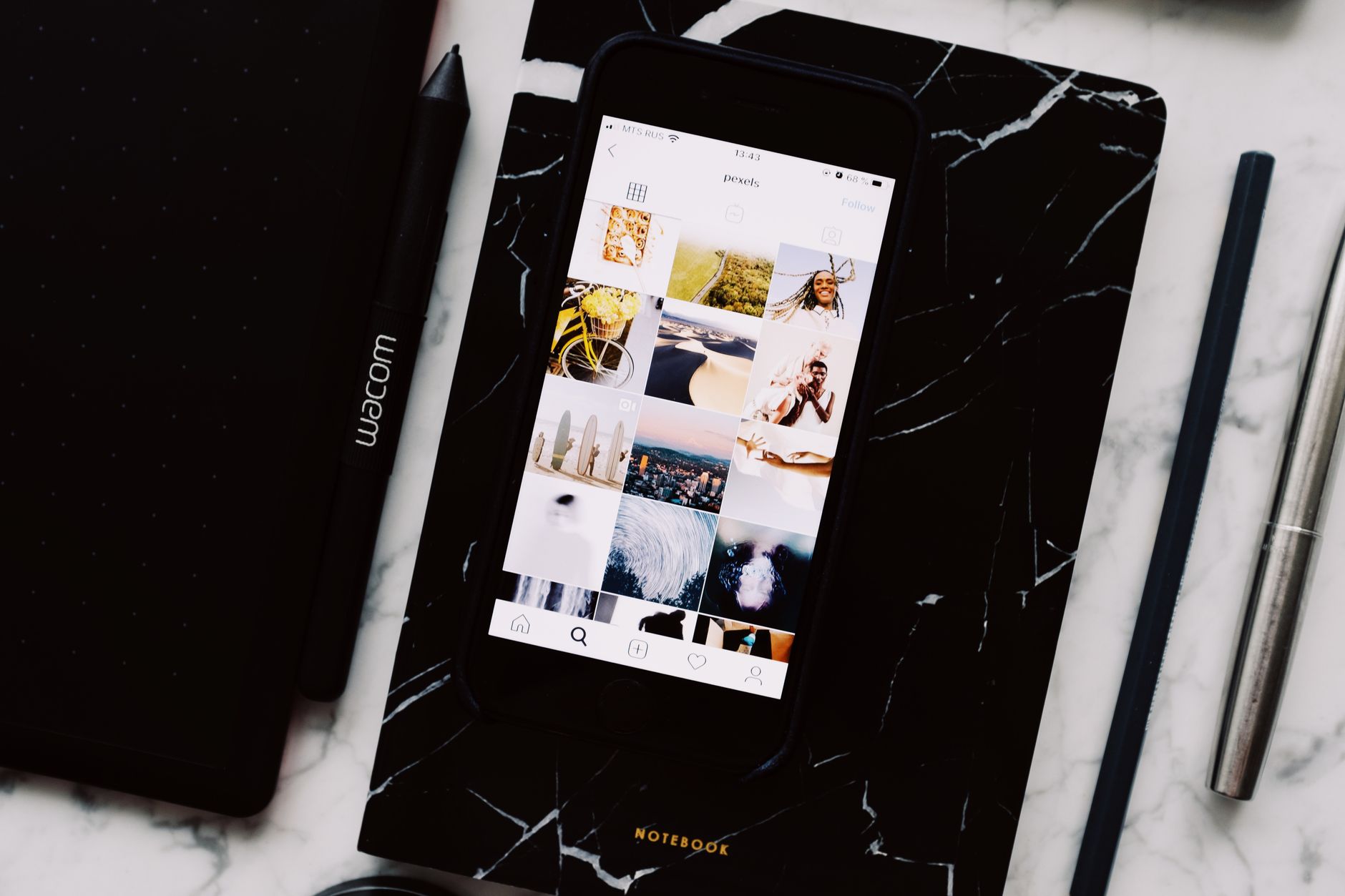
In the visually-driven world of social media, a strong Instagram presence is more important than ever for brands, creators, and businesses. But with a constant stream of content flooding users’ feeds, standing out requires more than just a good photo. Rather, it demands a well-designed, cohesive aesthetic. It can be time-consuming and challenging to create scroll-stopping visuals, especially for those without a professional design background. Fortunately, a wide array of tools has emerged to simplify this process, making it easier than ever to design stunning Instagram posts that capture attention and reinforce your brand identity. So, here are the best tools available to help you design captivating Instagram content.
Canva
While Canva’s accessibility and massive template library are often lauded, there are significant limitations for those seeking a truly unique and professional brand identity on Instagram. The platform’s reliance on pre-designed Instagram post templates can lead to a monotonous style that feels generic and repetitive. This is because countless other users may be working from the same foundation. So, this lack of originality can make it difficult for a brand to stand out in a crowded feed.
Furthermore, Canva’s design tools, while user-friendly, are often considered basic and restrictive compared to industry-standard software. The limited control over typography, fine-tuning of elements, and lack of advanced features can hinder creative freedom and prevent the execution of more complex, bespoke designs. This can be a major drawback for businesses and creators who want to develop a highly polished and distinctive visual brand. Finally, some users report issues with customer support and a dependency on an internet connection for full functionality, which can interrupt a workflow. Ultimately, while it’s a great starting point, the platform may not be the best long-term solution for those committed to building a truly unique and professional presence on Instagram.
VistaCreate
VistaCreate, while a popular option for quick design, presents notable limitations for Instagram users aiming for a highly polished and professional brand image. A major drawback is its template-centric approach, which, while convenient, can lead to a generic aesthetic. The templates, although plentiful, are widely used, making it difficult to create a truly distinctive brand identity that stands out from the competition. For businesses serious about their visual branding, this lack of originality can be a significant issue.
The platform’s editing capabilities also fall short when compared to more robust, industry-standard software. Users often find the tools to be less precise and feature-rich, particularly in areas like typography control and advanced image manipulation. Fine-tuning a design for a specific brand look can be cumbersome, and the more complex creative visions are often difficult to execute. Furthermore, while VistaCreate offers a scheduler, its social media integrations are not as comprehensive as dedicated social media management tools.
Snappa
Snappa is often praised for its simplicity and speed. However, this very focus on efficiency can be a significant drawback for Instagram content creators who require more nuanced and sophisticated design capabilities. The platform’s interface, while easy to navigate for beginners, lacks the depth and advanced features found in more powerful design software. This can lead to a frustrating experience for users who want to go beyond basic text and image overlays. Therefore, it’s not really suitable if you want to create truly unique, custom graphics that reflect a strong brand identity.
In addition, a major limitation is the absence of advanced editing tools. For instance, Snappa lacks drawing tools and robust typographic controls, making it difficult to create designs from scratch or to finely tune elements for a specific look. Its template library, though a good starting point, is not as extensive or diverse as some competitors, and the designs can feel repetitive and uninspired. This can hinder a brand’s ability to stand out in a visually saturated Instagram feed. Furthermore, Snappa is strictly a web-based tool with no mobile app, which is a major disadvantage for creators who prefer to work and post from their smartphones. This lack of mobile accessibility makes it less flexible and less suitable for a modern, on-the-go content workflow.
Desygner
Desygner is positioned as an accessible design tool, but its limitations become apparent when a user’s Instagram design needs evolve beyond the very basic. While its mobile-first approach is convenient for quick edits, the functionality of its mobile app is often less robust than the desktop version, which can hinder a fluid, on-the-go workflow for serious content creators. The template library, while a good starting point, is not as extensive or unique as those offered by larger competitors. This can result in designs that feel generic or unoriginal, making it difficult for brands to establish a distinctive visual identity in a crowded digital space.
Furthermore, Desygner’s editing tools, while user-friendly, lack the granular control and advanced features of more professional design software. The ability to fine-tune typography, manipulate layers with precision, or apply sophisticated effects is limited. For users with a specific creative vision, this can be a major frustration. The platform’s free version also comes with significant limitations on assets and features, pushing users toward a paid subscription to access a more usable tool. For those who are committed to creating a truly professional and unique Instagram presence, Desygner may ultimately feel more like a stepping stone than a long-term solution.
PosterMyWall
PosterMyWall stands out as a powerful and highly efficient tool for creating engaging Instagram content, especially for users who value speed and a seamless workflow. The platform’s immense library of over a million professional, customizable templates, including Instagram Reel templates, means that you can easily find your perfect starting point for any type of Instagram post. So, you can create any Instagram visual, from promotional graphics to engaging videos and stories. On top of that, the tool is incredibly easy to use. This eliminates the blank canvas intimidation and allows users to produce high-quality visuals in a fraction of the time it would take to design from scratch.
A key advantage of PosterMyWall is its focus on promotional and marketing materials. Unlike more general-purpose design tools, its templates are specifically geared toward business and event promotion, making it an ideal choice for marketers and small business owners. The platform’s integrated social media publishing features are a huge time-saver, allowing users to design and schedule posts to Instagram and other platforms directly from the same interface. The ability to automatically resize designs for various social media platforms ensures brand consistency across all channels with a single click. For those who need to create visually stunning and effective posts without getting bogged down in complex design software, PosterMyWall is a perfect solution.
It is no longer necessary to have extensive technical know-how to make some great Instagram visuals. The right tools can democratize the design process, allowing anyone to produce high-quality, professional-looking content. Whether you prioritize a vast library of customizable templates, need powerful photo editing on the go, or require an all-in-one solution for scheduling and analytics, there’s a tool tailored to your needs. The key is to choose a platform that aligns with your skill level, brand aesthetic, and content strategy, enabling you to consistently create scroll-stopping visuals that build your brand and engage your audience.

Finding the Right Accountant for the Self-Employed: Why Local Expertise Matters


